
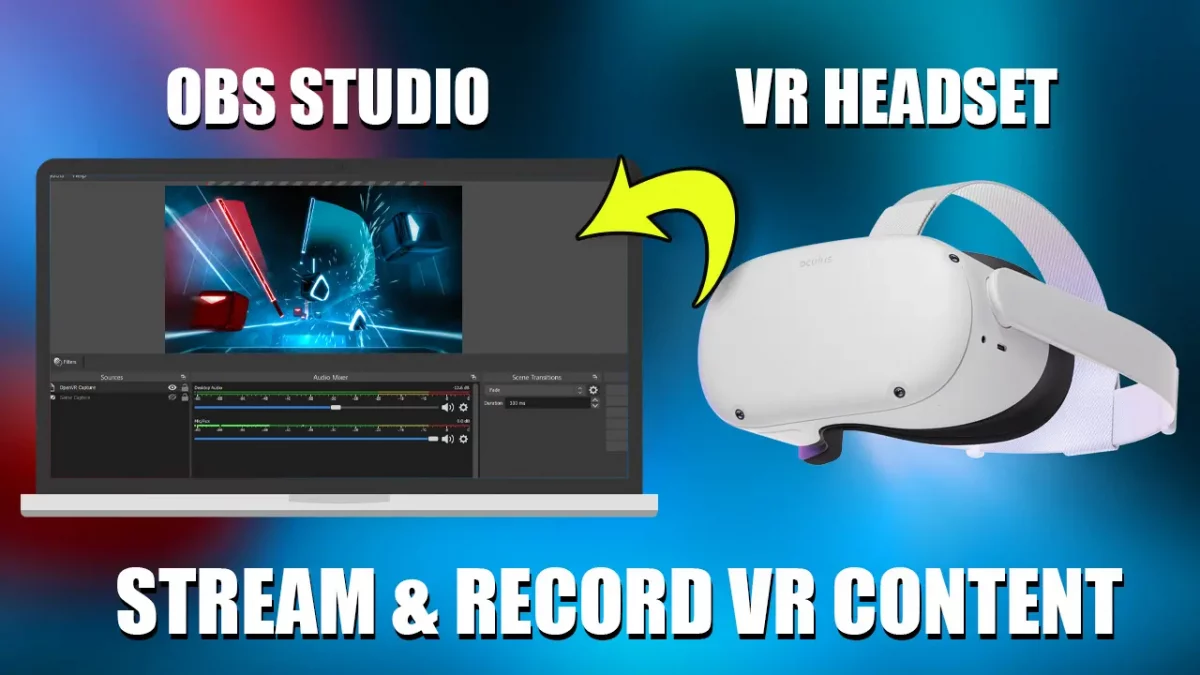
Hi everyone, today I made a new in-depth guide that shows you how you can record videos and stream Virtual Reality (VR) content (e.g. games) using OBS Studio.
I demonstrate it using my Oculus Quest 2 headset, which is connected using an Oculus VR Link cable to my PC. I played a SteamVR game and used the OpenVR plugin for OBS Studio to record the content.
Although the OpenVR still lacks quite a few features that I wanted, more importantly regarding cropping, still, alongside OBS Studio, you can achieve satisfying results.
Here is the full guide on my YouTube channel, followed by step-by-step instructions with chapters you can easily skip to.

If you want to know how to do VR streaming or record VR content with your Oculus Quest 2 headset and your PC using the Link Cable, this way will help you out.
Keep in mind that there is always the alternative to record the screen itself, which records the window of the game on PC.
That being said, when you record the video stream from the headset, it gives you more control over the results. More precisely, the cropping and you can have more freedom to adjust it later on using video editing software.
It’s not the only solution, but one of the solutions that work for me and it’s not hard to do. Especially if you are already using OBS Software to stream and record gameplay videos that are non-VR and want to continue using it.