

Two days ago I bought the Lenovo Legion 5i Gen 7 2022 model (also referred to as Legion 5 2022 by some), a gaming laptop.
I got the Legion 5i with the following hardware specs:
- Intel Core i7-12700H
- 1TB SSD M.2 2280 PCIe 4.0×4 NVMe
- 15.6″ WQHD (2560×1440) Resolution 16:9
- 2x 16GB SO-DIMM DDR5-4800 (32GB in total)
- NVIDIA GeForce RTX 3070 Ti 8GB GDDR6
- G-Sync / Dolby Vision / Advanced Optimus Support
I preferred this over the Pro as I wanted a more discreet-looking laptop with a 16:9 display resolution and it has all the specs I wanted in a single computer, so I won’t need to upgrade later on.
Cooling System Performance & Fans Sound Volume
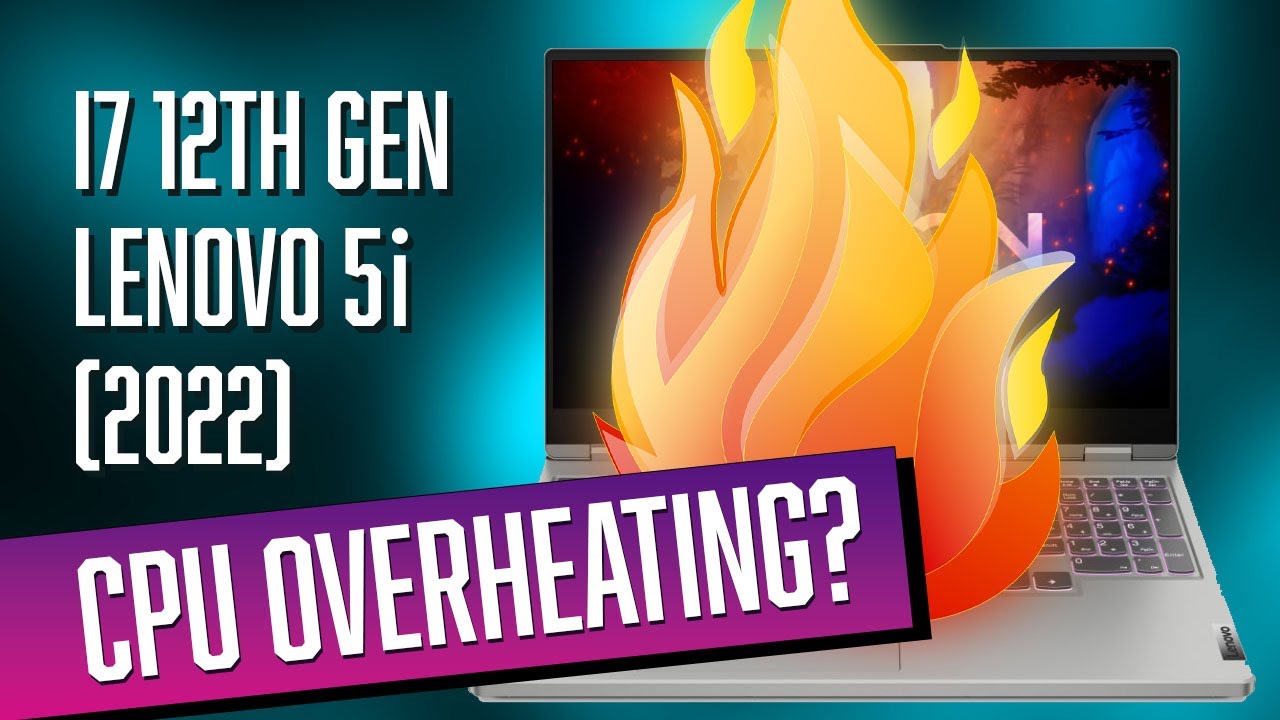
The moment I got it I tested the thermals and gaming performance. I wanted to see if it’s indeed a beast as it should be. I am glad to report that the Lenovo Legion 5i Gen 7 is super fast and Lenovo definitely improved the cooling system. Not just that the 5i doesn’t heat, but the new cooling system keeps the laptop relatively cool. Some thought that due to the new Intel Core i7 12700H 12th gen processor, might lead to some high temperatures, but it’s not.
Furthermore, I was surprised by how relatively quiet the fans are under demanding tasks with a very smooth windy sound–not hissy noise like some mentioned.
I tested it in both high graphics-demanding games like Cyberpunk 2077 and in some CPU-Intensive tasks (e.g. video rendering in Davinci Resolve) and it performs really and maintained a cool laptop.
Lenovo Legion 5i 3070 Ti Gaming Performance
Coming from 1660 GTX Ti, the 3070 Ti is in its own league, enabling Ray Tracing and helping me play the latest game at the highest graphics settings at high frame rates. Having a 165Hz Refresh is also great, especially for competitive games (e.g. Valorant, CS:GO, Call of Duty), and improves the overall gaming experience.
Of course, performance may vary. Even with the 3070 Ti, playing Cyberpunk 2077 at Ultra settings with Ray Tracing can bring it to its knees at 1440p (2K) resolution. DLSS helps a lot. I ran Cyberpunk 2077 with Ray Tracing Ultra/2K/DLSS Auto and it ran in around 40 FPS. Very playable but tweaking the settings can definitely improve that performance.
I made a video of Lenovo Legion 5i (2022) testing Cyberpunk 2077 with different settings, take a look.

If you love playing Valorant, here is the Lenovo 5i Gen 7 (2022) with the 3070 Ti tested in Valorant.

Overall Performance Impressions
So only 2 days with my Lenovo Legion 5i Gen 7 (2022) laptop and I am so pleased with it. The screen is bright and beautiful, the laptop looks sleek and professional, performance is top-notch, amazing cooling system THAT WORKS, and I just love this laptop.
If you want me to test anything or have any questions, let me know in the comment section below and I’ll do my best to answer you as fast as possible. Thank you.