

I bought the Razer Orochi V2 when I was looking for a wireless gaming mouse. I considered several options, but mainly was the Orochi V2 and the Logitech 305 Lightspeed.
I eventually decided to go with the Orochi V2 due to its Ambidextrous design (suitable for both right-handed and left-handed), greater bumpy design that prefer ergonomic wise, amazing up to 900 hours battery life–one of the longest-lasting in wireless gaming mice on the market.
Here is my full video review with Razer Orochi V2 click sound test.

It has great DPI customization up to 18,000 DPI, it’s relatively lightweight, supports Hybrid connectivity (Bluetooth and a 2.4 GHz with a dongle).
In most part, it was due to long battery life, ergonomics and performance that sealed the deal for me.
I tried the Logitech 305 Lightspeed at the store, and it felt more like my good old 102. The Orochi V2 just was more comfortable and for me that was a big factor. Of course, I was using my Logitech 102 for years now, but you don’t know one mouse is better when you try a new one. I just got used to it, but oh boy the Razer Orochi V2 feels more like a SPA to my hand, just perfect for a ‘palm’ mouse grip but also great for claw and fingertip grip, at least for my medium-large size hands.
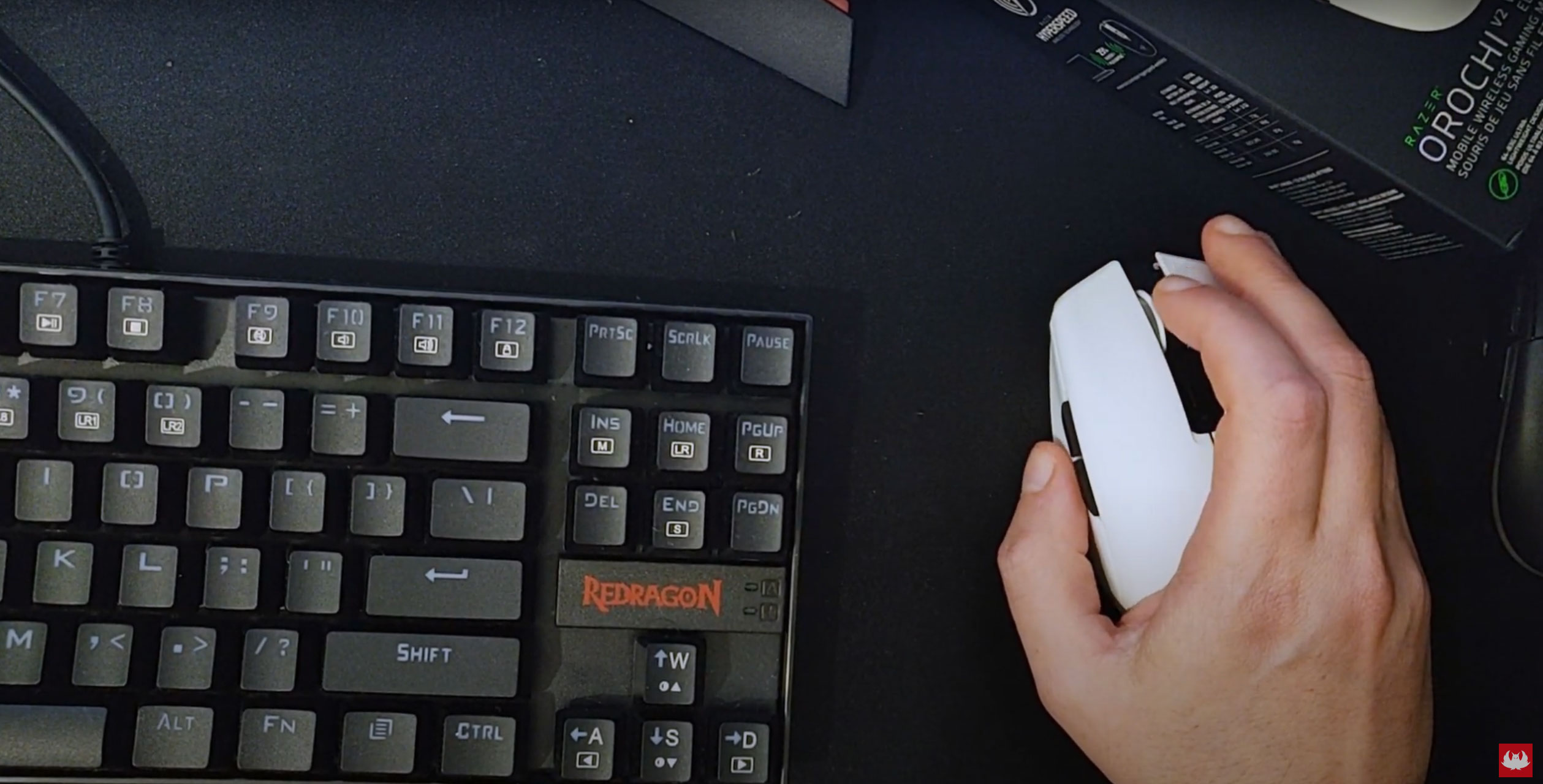
In terms of weight, it was more or less (in terms of feeling) the same as my previous mouse, although can be less if I used a AAA battery instead of AA.
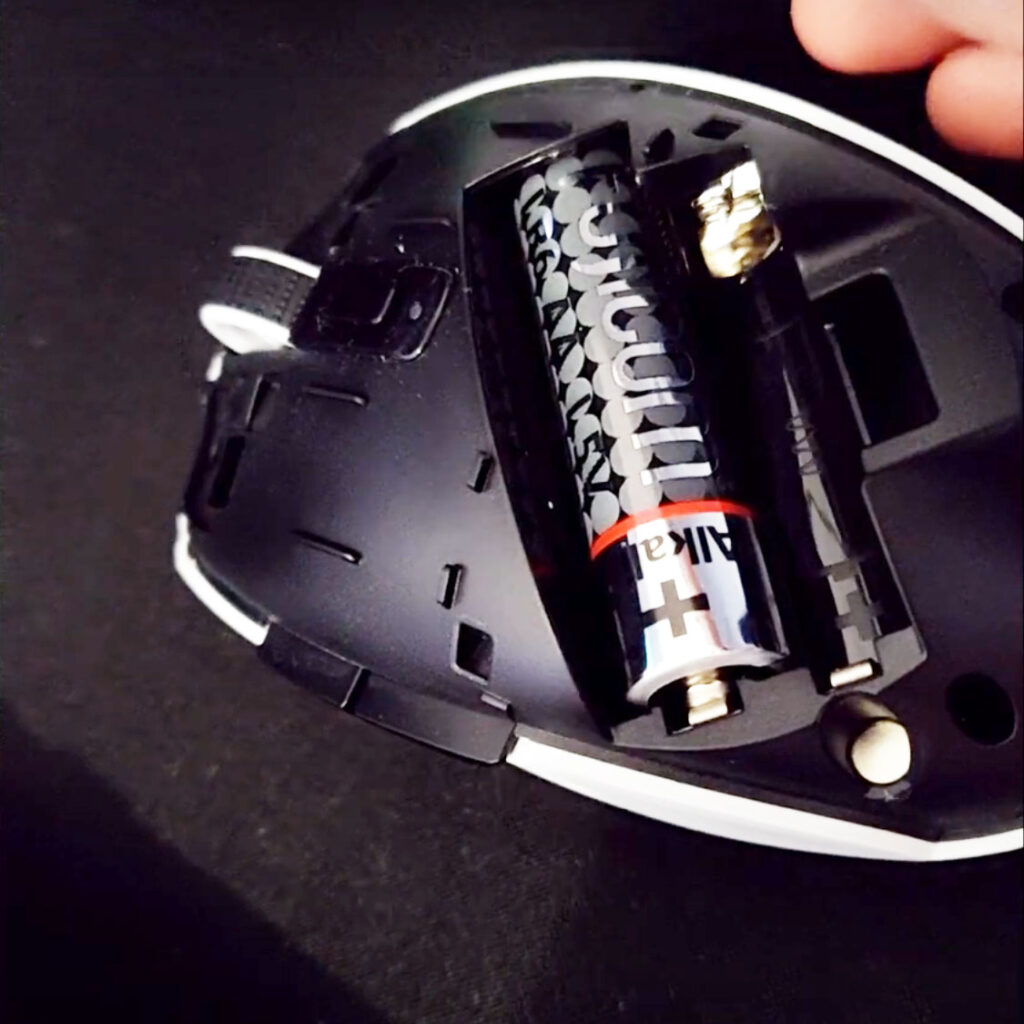
Place for AA or AAA battery alongside a 2.4GHz dongle compartment
Detaching of the cover felt great, same goes when snapping it back with a click. The mouse feels durable and well made without any lose ends that otherwise would made it feel badly constructed.
From a casual gamer’s perspective, the Razer Orochi V2 felt ergonomically better than any other mouse that I tried, including my previous Logitech 102 and the popular G305. After I checked it at the store, I ordered it via Amazon.com.
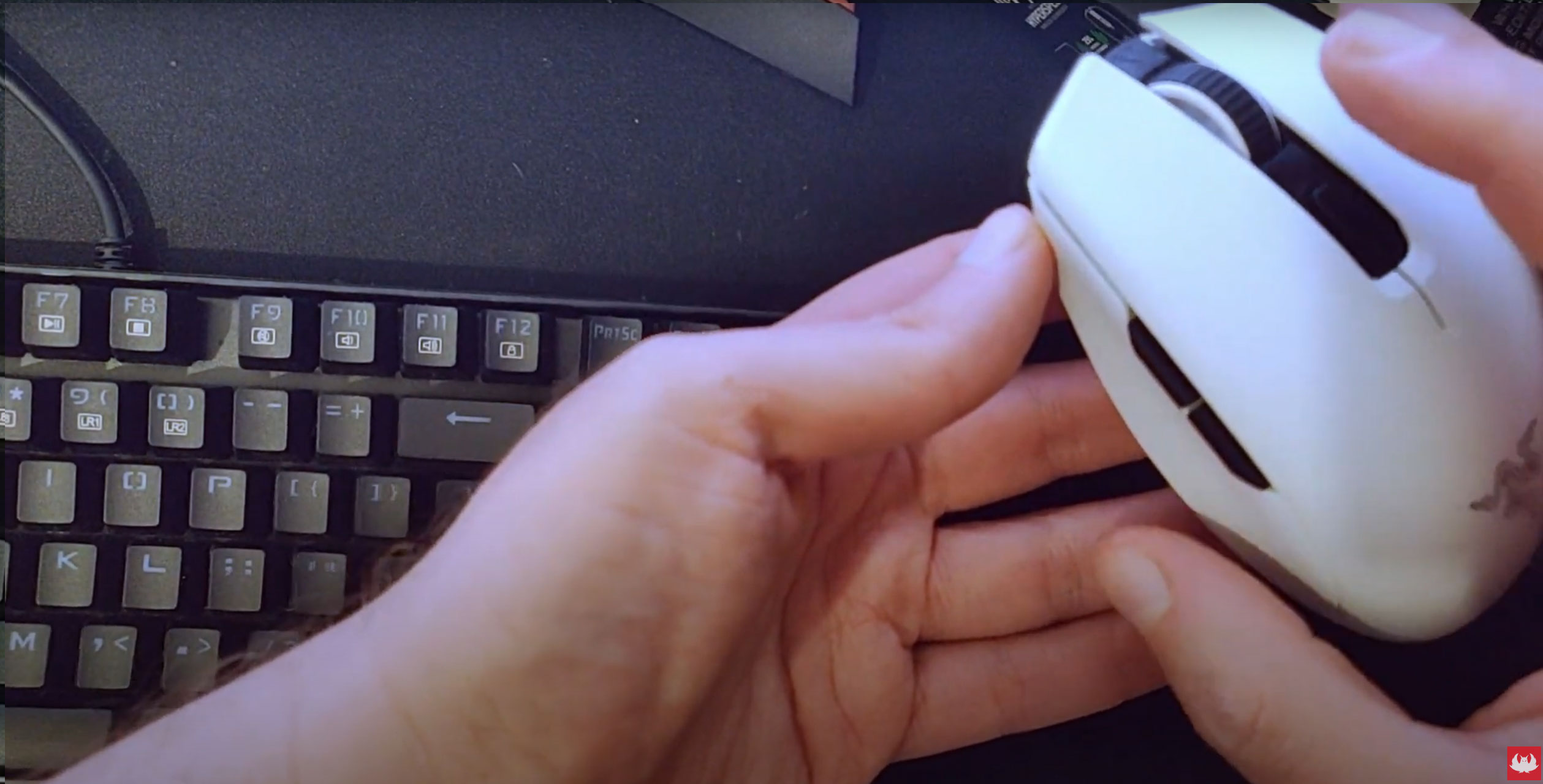
Thing is that the mouse is probably the accessory that I used the most for my free time and work–so I better get a good one. Ergonomics are very important, as eventually, a mouse that isn’t good for your hand might lead to issues with your hand. Same goes to getting appropriate shoes when doing sports.
Now, a wireless mouse is something I wanted to get in quite some time, but I was a lot on the go traveling and didn’t want to bother with buying or carrying batteries with me. So, a wired mouse was a good choice. Now that I settled down, that was one of the things I wanted to do, get a wireless gaming mouse.
I never liked the cable, because it was in many times in my way and annoyed me. It’s now like I got freed from it and it feels great.
Aside from that, sound of the clicks and mouse scroll sound of the Orochi V2 felt great and “professional” and non-disturbing.
So overall, I am very satisfied with my purchase and recommend this mouse to anyone looking for a great wireless gaming mouse to upgrade their gaming experience and for general use altogether — Enjoy!